Feels familiar
The weekly routine you already know.
- Plan your dinners for the week
- A grocery list built from your plan
- Sorted by aisle, so you shop in one pass
- Step-by-step Cook Mode
Mealime closes October 21
Paste a Mealime recipe link into Pearmint and it comes over with every ingredient and step. Then plan the week and shop one list, just like you're used to.
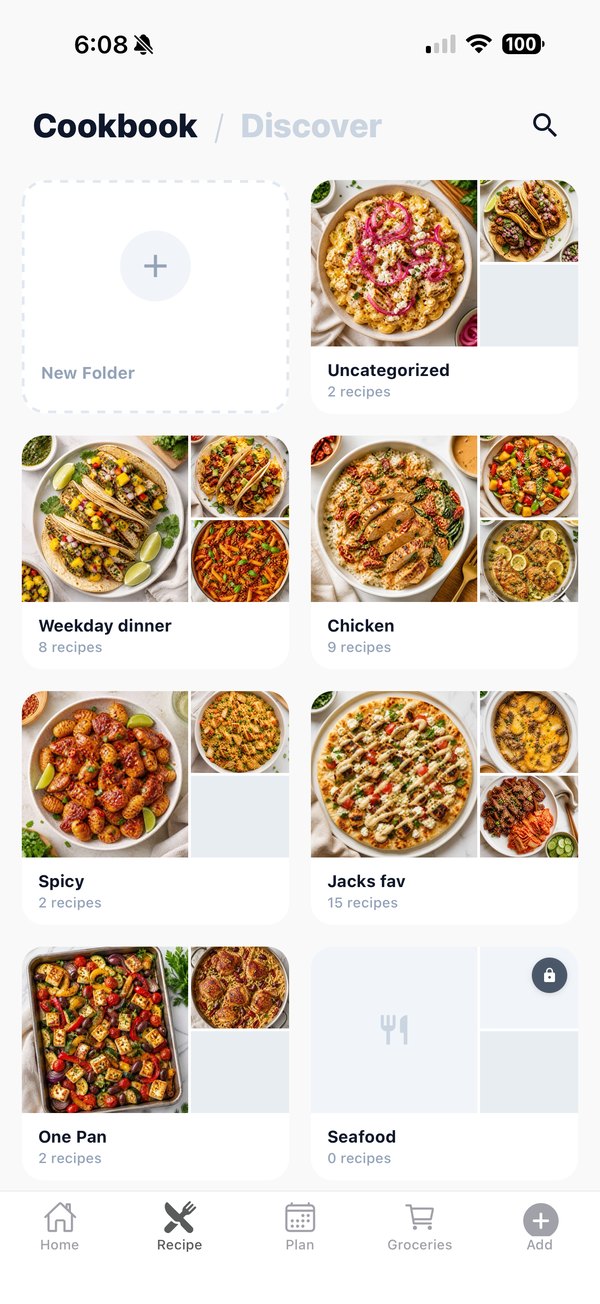
Mealime doesn't offer an export, so bring over the recipes you love one at a time. Each one takes a few seconds.
Find the recipe on mealime.com and copy the page's link.
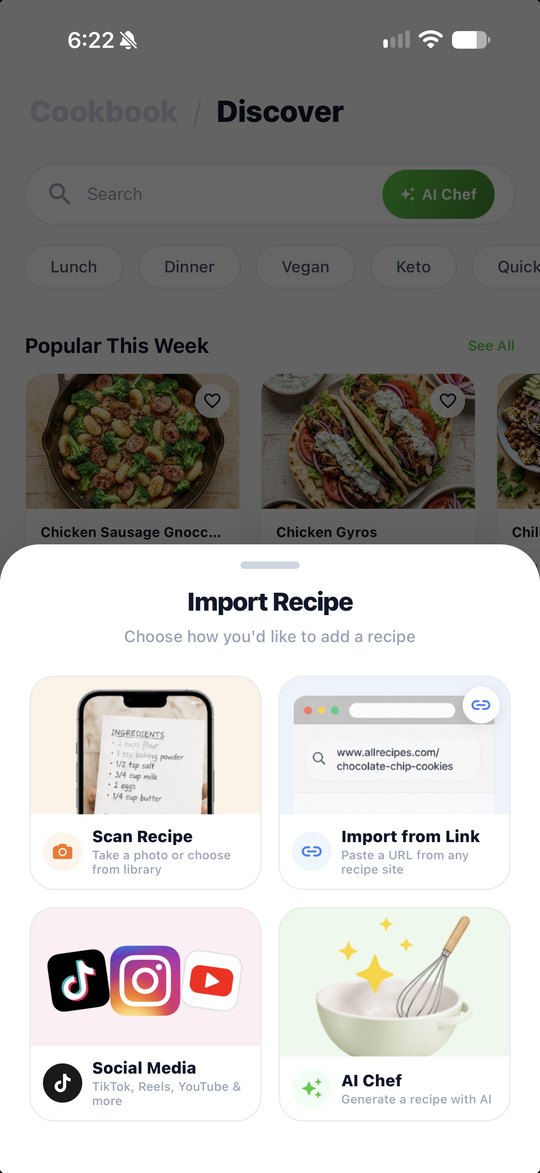
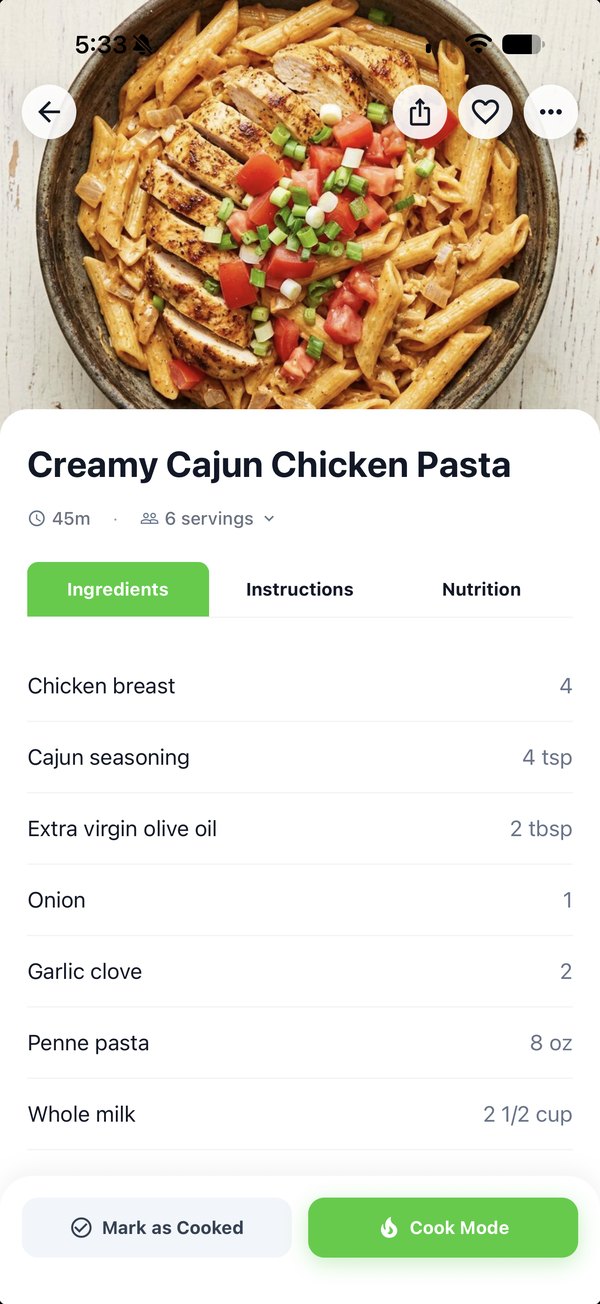
Open Import Recipe, tap Import from Link and paste. Ingredients and steps come right over.
Add it to your week and its ingredients land on your grocery list.
Custom recipes don't have a public link, so screenshot them instead. In Pearmint, tap Scan Recipe and choose up to 4 screenshots per recipe.
Mealime says all account data is deleted when it shuts down on October 21, so move what you want to keep before then.
Feels familiar
New in Pearmint
What to know before you move your recipes over.
Still wondering? support@pearmint.app
No. Mealime doesn't offer an export, so bring recipes over one at a time: paste a mealime.com link into Import from Link, or screenshot your own recipes and use Scan Recipe.
No. Pearmint is an independent app and isn't affiliated with or endorsed by Mealime.
Yes. Create a household and invite your people. Everyone shares one meal plan, one live grocery list and one pantry. Personal covers 2 people; Family covers up to 6.
Pearmint is a subscription billed through the App Store, and annual plans start with a 7-day free trial. You can see current plans in the app before you subscribe, and cancel anytime in your App Store settings.
Pearmint is iPhone-only for now.
Your recipes, your week and your grocery list, all in one app.
